How Domainion Works
Domainion gives you one place to track domains, registrar sync, DNS snapshots, renewal status, and workspace activity. It is designed as a visibility and workflow layer on top of your registrars, not a replacement registrar.
Manual and synced domains
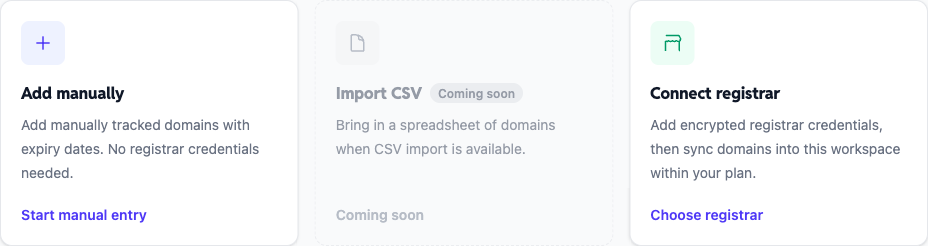
Domainion supports two ways to track domains. Manual domains are added directly in Domainion and do not require registrar credentials. They are useful when a registrar is not supported, when you are tracking a domain before a transfer, or when you want to keep a simple portfolio record.
Synced domains come from connected registrar credentials. They count toward your plan's synced-domain limit because Domainion keeps them updated through registrar APIs. If a sync finds more domains than your plan allows, the overflow is held as pending until your plan has enough synced-domain capacity.
Registrar sync
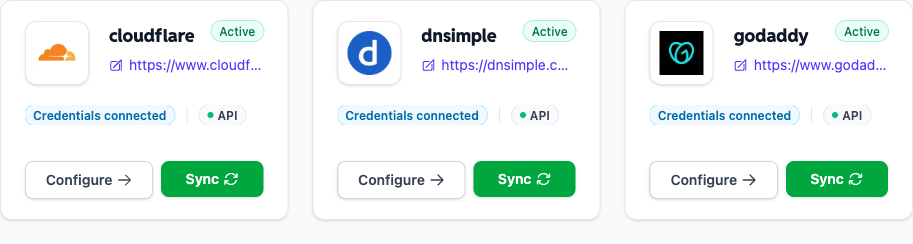
After credentials are saved, Domainion can run an immediate sync and then keeps connected registrars refreshed through the daily automatic sync job. You can also trigger a manual sync from the registrar detail page.
A registrar sync imports the domain names, expiry dates, and auto-renew status that the registrar API exposes. Some registrars return richer renewal data than others, so the exact fields can vary by integration.
If you already track a domain manually and later connect the registrar that owns it, review the domain after the first sync. Domainion is evolving the manual-to-synced transition path so you can keep history without needing to recreate records.
DNS snapshots
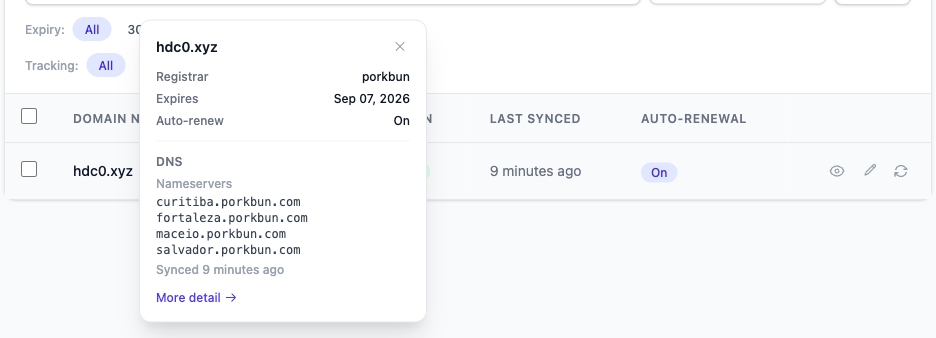
Domainion can capture read-only DNS snapshots for tracked domains. These snapshots help you see the current DNS shape of a domain without logging into every registrar or DNS provider.
DNS snapshots are for visibility. Domainion does not currently edit DNS records, change nameservers, or replace your registrar's DNS management tools.
Activity log
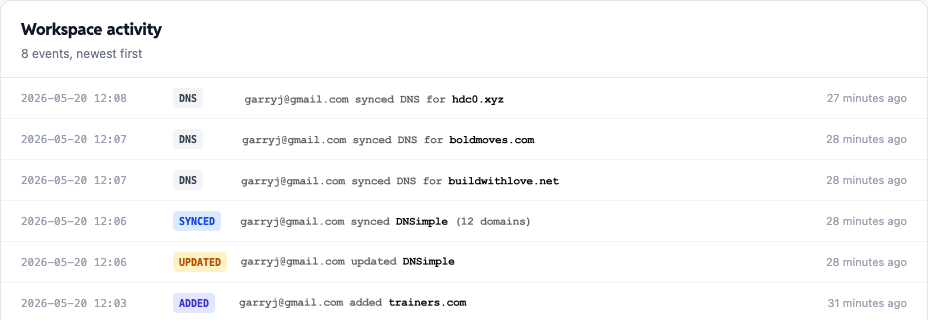
The activity log records important workspace events such as domains being added, registrar credentials changing, syncs completing, DNS snapshots updating, and plan changes.
It is meant to help you understand what changed in the workspace and when. For beta, treat it as a product activity timeline rather than a compliance-grade audit log.
Auto-renew
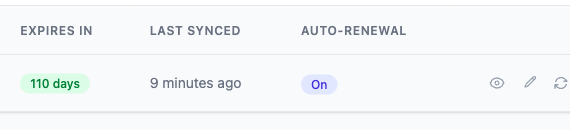
Domainion reads auto-renew status when a registrar exposes it. For registrars that support auto-renew changes through their API, Domainion can send the change directly from the domain table.
Not every registrar API supports the same actions. Unsupported registrars show a dash instead of an auto-renew control. Some registrars may require extra setup, such as enabling API access for a specific domain, before write-back succeeds.
If a registrar rejects an auto-renew change, Domainion keeps the domain visible and shows the state that needs attention so you can finish setup or change renewal settings directly at the registrar.
Next step
Ready to connect a registrar? Start with the setup overview to compare the supported integrations and credential requirements.